Withdrawing Funds
Withdrawing refers to sending fiat or crypto to external accounts.
To transfer funds between Layer2 accounts, see Transfers. To deposit assets into a Layer2 account from an external account, see Depositing Funds.
Deposit Accounts
There are 3 steps to performing a withdrawal from a deposit account:
- Setup a Counterparty if one does not exist for the external account.
-
Create the Withdrawal using the
withdrawalsendpoint with the following info:-
withdrawal_railset to the ACH, Fedwire or Crypto. NOTE: the destination counterparty has to support the withdrawal rail selected. -
source_account_idset to the Layer2 account to withdraw from. -
amountset to the amount that needs to be withdrawn -
destination_counterparty_idset to the counterparty from step 1. Once you create the withdrawal, you will get awithdrawal_idback that you will need to accept/ execute or retrieve details on the withdrawal.
-
-
Execute the Withdrawal - using the
withdrawals/{WITHDRAWAL_ID}/acceptendpoint .
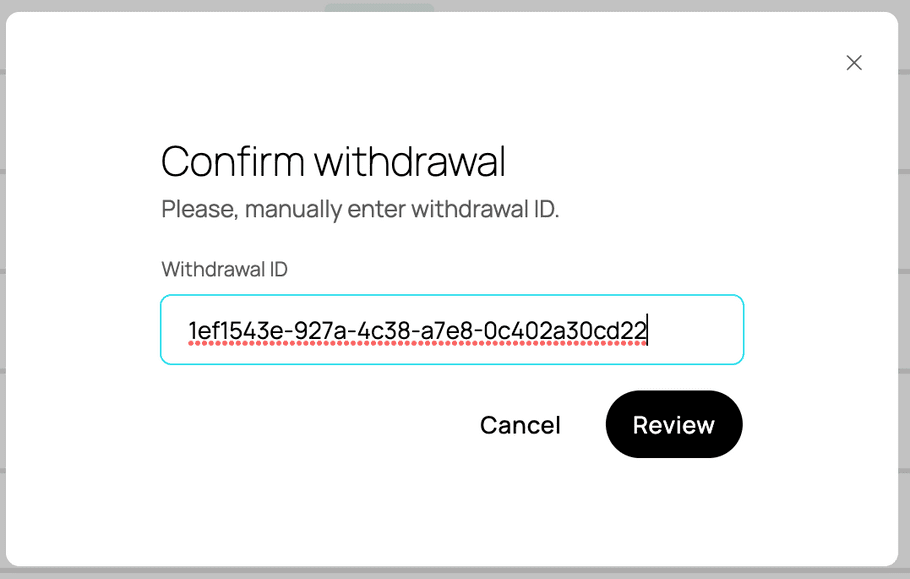
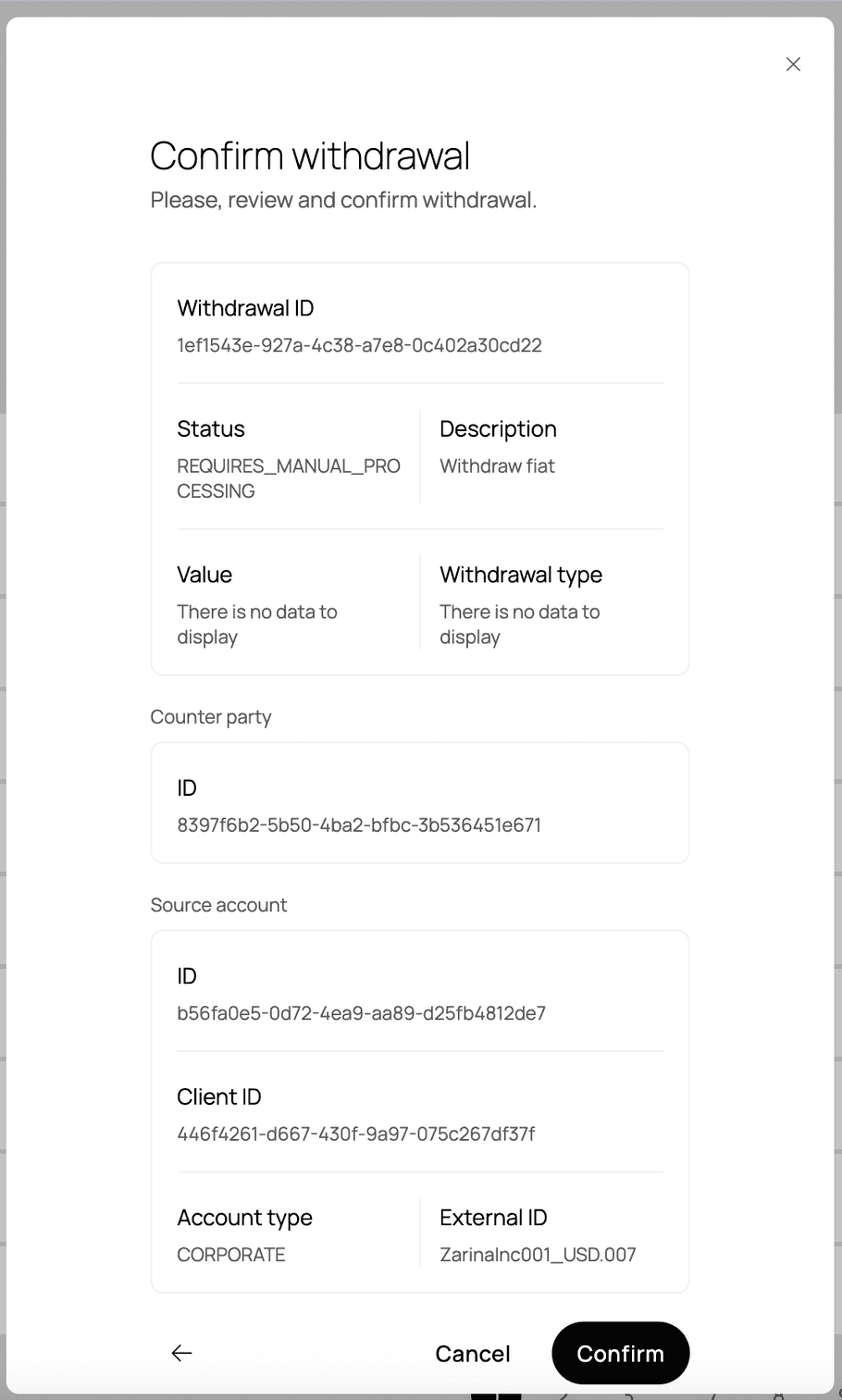
NOTE: There is no testnet for fiat in sandbox. To simulate a fiat withdrawal in sandbox, you have to use the
memoyou get in the withdrawal execution in the "Confirm Withdrawal" flow in the Management UI.
Payment Gateway Accounts
Payment accounts can only receive deposits from external accounts. To withdraw from a payment account to an external account, funds must be exchanged to transferred into a deposit account, and then withdrawn from there.
Yield Accounts
To withdraw from a yield account to an external acount, funds must be transferred into a deposit account, and then withdrawn from there.